ClientSwing Onboarding
Step 4️⃣
Download IOS or Andorid App
Watch The 90-Second Video Below and Once you've downloaded the mobile app, click on the Button at the Bottom of the Page 👇
Access ClientSwing from your mobile by downloading the Lead Connector app.
Use The QR Code Below to Download the App on Your ANDROID Phone/Tablet

Use The QR Code Below to Download the App on Your APPLE Device (iPhone/iPad)
Log into Lead Connector
1. Once downloaded, please log into "Lead Connector" with your email address.
2. Your email address is going to be the email you have used in Step 1 to Sign up
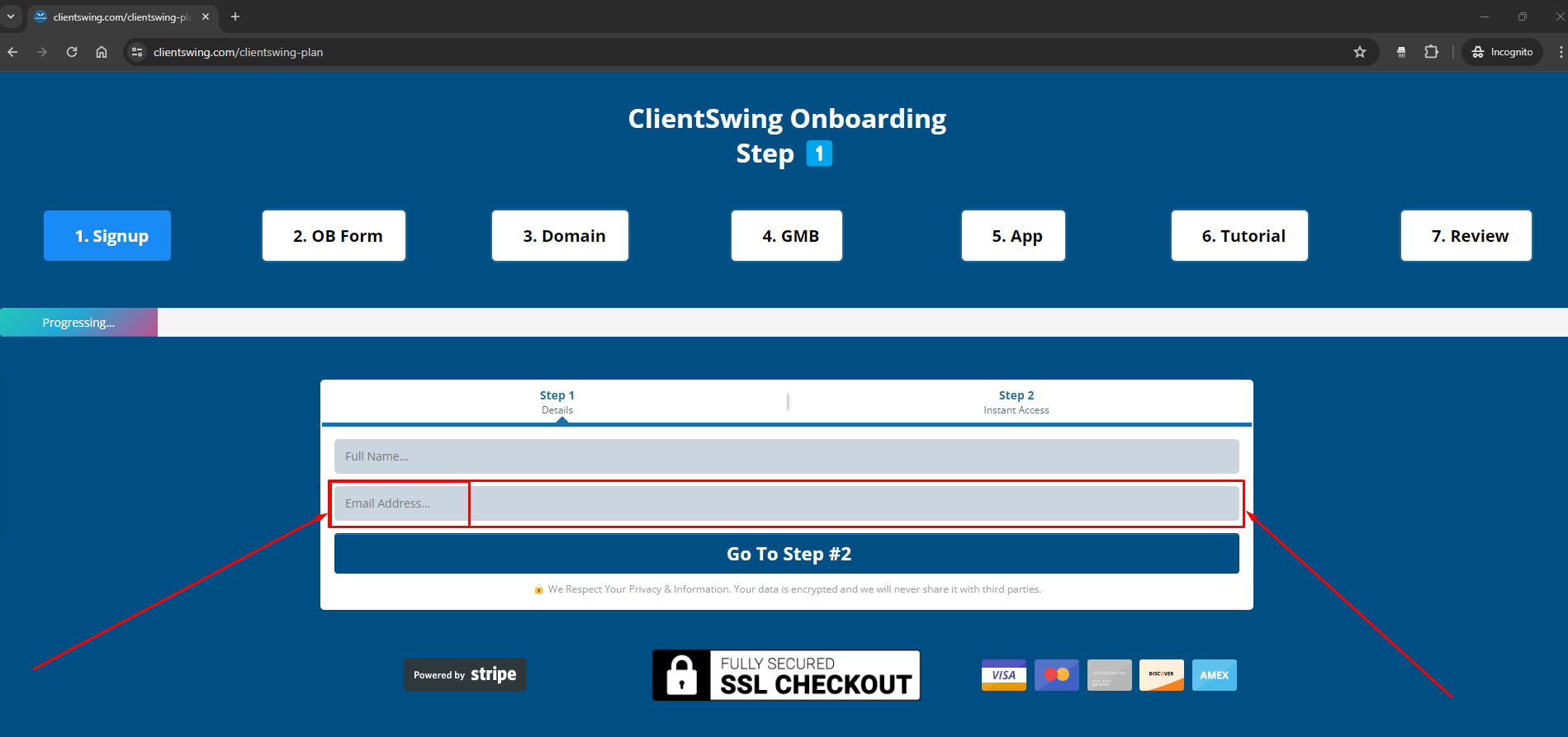
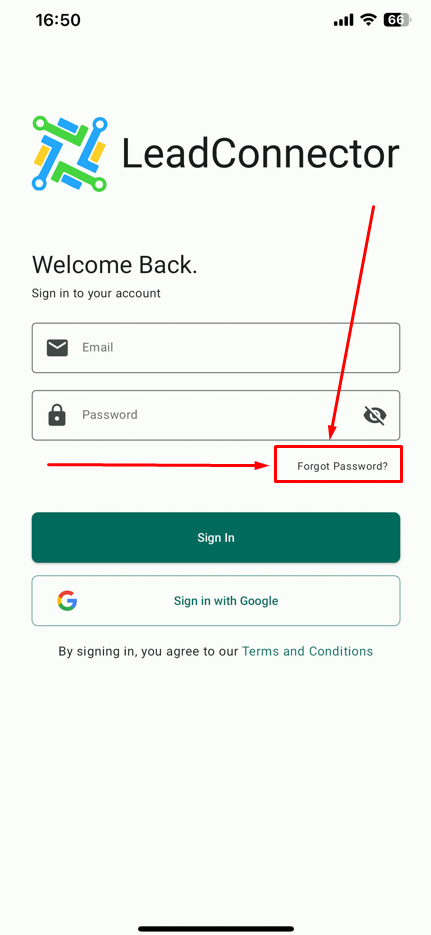
3. If you can't find the email sent to you with your randomly generated password
(please check your Spam folder too)
please click the "Forgot Password" button inside the app, and reset your password.
4. If you need to add users or use a different email address, simply send us an email at
[email protected]
and we'll make it happen 😁
ClientSwing Onboarding
Step 4️⃣
ClientSwing | Copyright © 2025 | All Rights Reserved